Admissions, Students and Guardians
Create one controlled student record that links placement, authorised contacts and academic status across branch administration and the classroom.
 Genius4uOnline
Education / PROFESSIONAL SOFTWARE
One School Operating Picture.
Register or sign in before confirming your software order. Confirmation creates a one-time unpaid invoice. No payment is collected automatically.
Software payment is by bank transfer only. Your invoice remains unpaid until funds are received and verified.
BUILT AROUND YOUR OPERATIONS
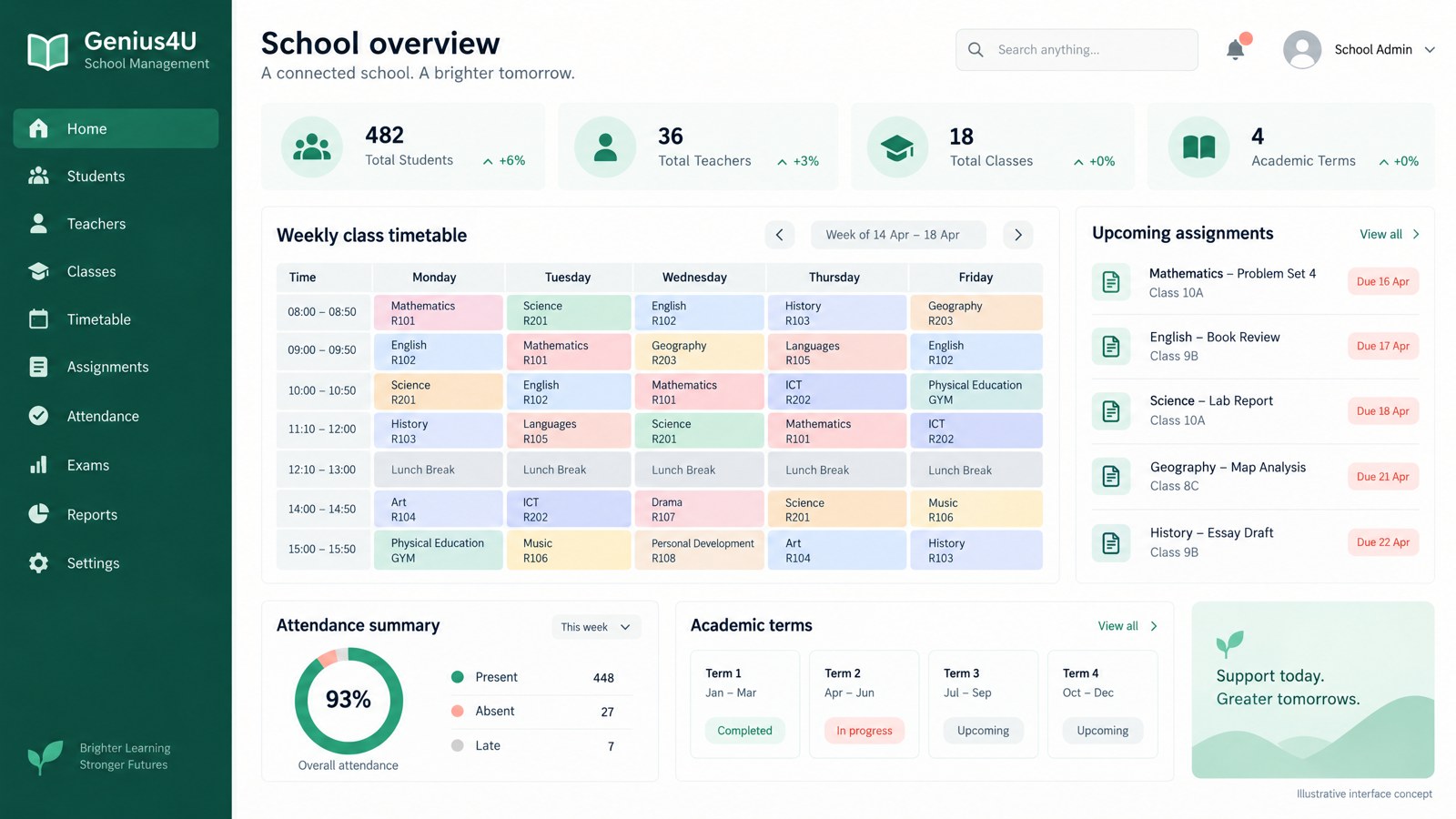
School Management & Learning coordinates branches, students, staff, parents, timetables, classroom learning, assessments, fees and operational services in one governed school workspace. Configured roles, auditable records and agreed interfaces help each department work from current information while preserving teacher judgement and guardian controls.
Create one controlled student record that links placement, authorised contacts and academic status across branch administration and the classroom.
Plan a workable academic week by joining curriculum requirements, teacher qualification, room capacity and unavailable times before publication.
Separate learning attendance from entry events so classroom responsibility, absence action and safeguarding decisions rest on the appropriate evidence.
Link daily learning activity to structured submissions, teacher-led assessment and approved academic reporting without automating educational judgement.
Give finance and service teams accountable operational records while keeping payment, circulation and maintenance responsibilities properly separated.
Operational reports turn approved records into focused follow-up views while preserving the underlying actor, time, reason and correction history.
WORKFLOW AT A GLANCE
Open the approved day: Teachers and reception view the published timetable, current rooms, substitutions and class rosters for the branch.
Record arrival evidence: Where agreed, the gate device sends a card event through its supported interface. The event remains distinct from attendance.
Take classroom register: The teacher records each student status for the scheduled lesson and adds an absence note when needed.
Investigate exceptions: An attendance officer reviews unexplained absences, records guardian contact and assigns a resolved or follow-up state.
Deliver and evidence learning: The teacher saves the lesson objective and attachments, posts an assignment or updates marking for submitted work.
Route service work: A classroom issue becomes a maintenance task with location, priority, assignee and due time for service-team follow-up.
Release approved information: Parents and students see only attendance, assignments, feedback or finance information released to their permitted role.
Product scope, deployment and integrations are agreed before purchase. The software supports professional workflows; it does not replace qualified clinical or administrative decisions.
THIS PROGRAM'S RELEASE NOTES
No public release notes have been published for this program yet. Ask our team for current version and delivery details.