Patient identity with bounded access
Build a durable patient file that connects visits across specialties while limiting each operational role to the fields and actions it needs.
 Genius4uOnline
Medical practices / PROFESSIONAL SOFTWARE
Bring the clinic day into one governed flow.
Register or sign in before confirming your software order. Confirmation creates a one-time unpaid invoice. No payment is collected automatically.
Software payment is by bank transfer only. Your invoice remains unpaid until funds are received and verified.
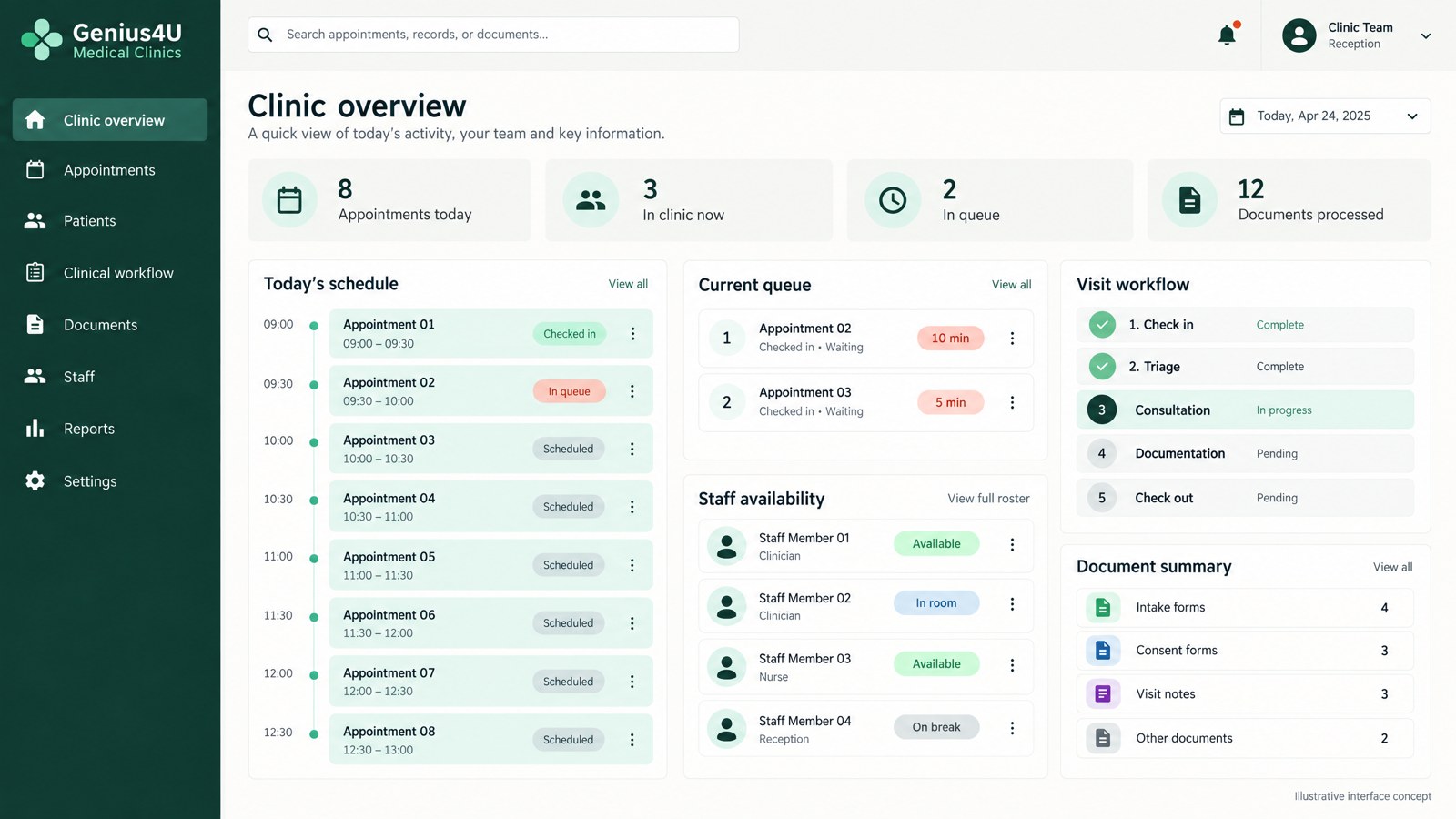
BUILT AROUND YOUR OPERATIONS
Medical Clinic & Specialty Management brings reception, patient identity, appointments, queues, clinician-led encounters, specialty records, attachments, invoicing and controlled reporting into one governed clinic workflow. Role-separated access keeps operational teams focused on their responsibilities while qualified clinicians retain responsibility for clinical decisions and approvals.
Build a durable patient file that connects visits across specialties while limiting each operational role to the fields and actions it needs.
Turn a booked or walk-in visit into a visible, accountable route for each patient from arrival through clinical hand-off and completion.
Give qualified clinicians a structured workspace for relevant history, findings, plans and specialty information without automated diagnosis or treatment approval.
Keep clinical attachments connected to the right encounter, retain amendment history and make approval status clear before a record is treated as complete.
Convert authorised services into reviewable financial records while keeping invoice work separate from clinical judgment and controlled by financial permissions.
Operational, clinical-completion and financial views use filters, role permissions and correction history to make follow-up work visible without decorative performance claims.
WORKFLOW AT A GLANCE
1. Retrieve identity: Reception finds the patient file, verifies agreed identity fields and checks for a duplicate before creating any new record.
2. Confirm the visit: Reception confirms clinician, specialty, appointment time and visit status, then records arrival and places the patient in the authorised queue.
3. Record authorised intake: A nurse records configured intake under the encounter reference and routes the patient to the clinician; interpretation remains with the clinician.
4. Complete professional care: The clinician documents relevant history, findings, diagnosis, plan and authorised prescription, then links relevant attachments or specialty fields.
5. Sign or retain as draft: The clinician signs when ready. Otherwise, the encounter remains draft or awaiting sign-off.
6. Invoice authorised services: The billing role creates the invoice from authorised service information, records payment or balance status and issues the controlled financial output.
7. Review follow-up: Authorised staff schedule follow-up when directed, while managers review queue, sign-off and balance exceptions through their permitted dashboards.
Product scope, deployment and integrations are agreed before purchase. The software supports professional workflows; it does not replace qualified clinical or administrative decisions.
THIS PROGRAM'S RELEASE NOTES
No public release notes have been published for this program yet. Ask our team for current version and delivery details.